Restaurant reservations that keep the evening calm.
DineMio is the online reservation system for independent restaurants. Guests book a table from your website, Instagram or Google, even when you're closed, and your team sees every booking and every table on one screen.
7 days free. Cancel anytime.
What restaurant owners say about DineMio
The booking flow feels much smoother.- reservations handled
- 2,235
- reservations per restaurant / month
- 368
See it in a minute
A guest books a table and the restaurant sees it at once. The real app, with a sample restaurant.
Run the whole evening from one screen
Online bookings, phone calls and walk-ins all land in the same place, so you and your team always know who's coming, where they'll sit and what they need.
Take bookings even when you're closed.
Guests book a table from your website, Instagram or Google in a few taps, at 2 in the afternoon or 2 in the morning. They only see times you can really seat, and get their confirmation straight away.
- A booking button for your website
- A booking link for Instagram and Google
- Only times you can really seat
- Confirm instantly, or approve each request
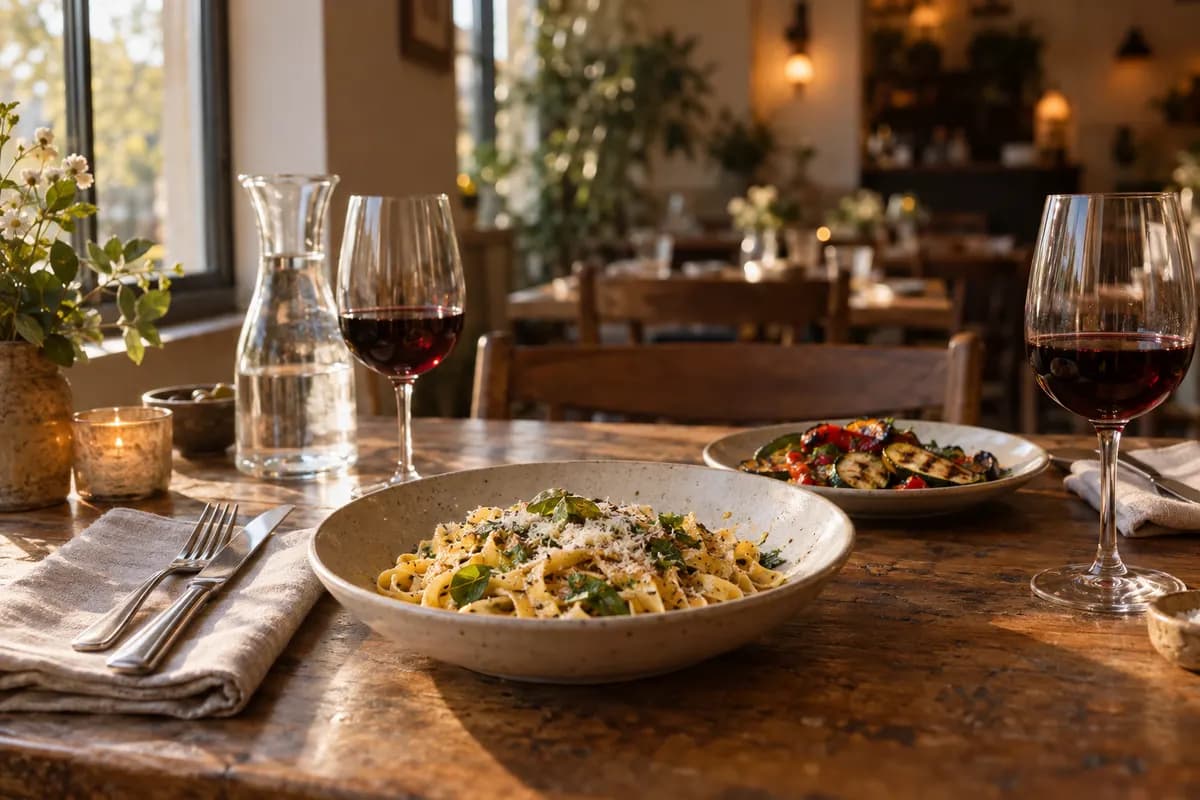
While you run the room, DineMio runs the bookings.
One Saturday, from the first booking to the last table.
Bookings come in while you prep
Every guest gets a reminder
Two tables join for a group of six
A cancelled table opens up again
The allergy is already on the profile
The details that make busy nights easier
All included in the one price. No add-ons, no upgrades.
Your floor plan from a photo
Take a photo of your floor plan, even a sketch on paper. DineMio finds the tables; you check them and save.
Room for big groups
When a party doesn't fit one table, DineMio can join tables in the same area.
Approve from your inbox
Want to check some bookings first? Accept or decline them from the email, no login needed.
Holidays and closures
Set special hours, private events and closing days once. Online booking follows automatically.
Guests change their own bookings
Every email has a link to move or cancel, so guests don't need to call you.
Seven languages
Your team works in its language and your guests book in theirs.
Late arrivals and no-shows
See who's running late, free up finished tables and keep track of guests who didn't show.
Booking rules that suit your kitchen
Decide how far ahead guests can book, the last-minute cutoff, party sizes and time slots.
A login for everyone
Each staff member gets their own login on phone, tablet or laptop. You decide who changes the settings.
Data stored in the EU
Guest details and bookings stay on servers in the EU, over encrypted connections.
One price. Every feature.
No tiers, no add-ons and no contract. Try everything free for 7 days, then pay monthly or yearly.
Everything included
- Unlimited reservations
- Booking button and booking link
- Reservation book and floor plan
- Phone bookings and walk-ins
- Confirmation and reminder emails
- Guest profiles, tags and notes
- Your own branding
- Accounts for your whole team
- Phone, tablet and laptop
- Seven languages
- Servers in the EU
- Priority email support
Your DineMio bill
- DineMio Pro$59
- Every featureIncluded
- Setup$0
- Fees per booking$0
- ContractNone
7 days free. Cancel anytime.
Set it up yourself, at your own pace.
No installer and no training day. You already know your opening hours and your tables; DineMio guides you through the rest.
Add your hours and tables
Draw your dining room, or upload a photo of your floor plan and adjust what DineMio finds.
Make a test booking
Book a table the way a guest would, so you know exactly what they'll see.
Share your booking link
Put the booking button on your website and the link on Instagram and Google. The installation guide covers WordPress, Wix, Squarespace and Webflow.
Coming from another system?
Tell us what you use today and we'll help you plan the switch around your contract and the bookings you already have. WhatsApp us or email [email protected].

You'll talk to the people who build it.
We're Aldo and Adi, two brothers who build software. We started DineMio because the reservation tools we saw were complicated, cost too much and tied restaurants into long contracts.
DineMio is our answer: simple to use, one fair price, and easy to leave if it isn't for you. We improve it together with the restaurants that use it, so tell us what slows your service down.
Aldo & AdiFounders of DineMio
Questions owners ask us
Something else? WhatsApp us or email [email protected].
What is DineMio?
DineMio is an online reservation system for independent restaurants. Guests book a table from your website, Instagram or Google, and you manage every booking, table and guest from one screen on your phone, tablet or laptop. It costs $59 a month with every feature included.
How much does DineMio cost?
$59 a month, or $590 a year, excluding tax. That covers unlimited reservations and every feature. There are no per-cover fees, no commission and no setup costs.
Is there a contract?
No. Cancel in Billing whenever you like. You keep access until the end of the period you've paid for, and nothing renews after that.
How does the free trial work?
You get 7 days of DineMio Pro for free. You add a card when you start, and nothing is charged during the trial. Cancel before it ends and you pay nothing; otherwise your plan starts when the trial ends.
Do my guests need an app or an account?
No. They choose a time, leave their name and contact details, and get a confirmation by email. There's nothing to download and no password to remember.
Can I add phone bookings and walk-ins?
Yes. Add them from the reservation book in a few seconds, so every booking sits in one place, however it came in.
Can I add online booking to my own website?
Yes. Paste the booking button into WordPress, Wix, Squarespace, Webflow or any other site, or share your booking link instead. The installation guide shows each step.
Can guests book through Google?
Yes. Add your DineMio booking link to your Google Business Profile, and guests who tap it go straight to your booking page. It's a link to your own booking page, not Google's built-in Reserve with Google service.
Does DineMio help reduce no-shows?
Every guest gets a confirmation straight away and a reminder before their visit, with a link to change or cancel. That makes it easy to tell you in time, and the table goes back online. You can also mark no-shows and tag guests who often don't turn up.
Which languages does DineMio support?
English, Dutch, German, French, Italian, Spanish and Albanian. Your team chooses its own language, and guests book in theirs when it's one of these.
I'm switching from another system. Can you help?
Yes. Tell us which system you use now and we'll look at the best way to bring your guest list over. What's possible depends on the export your current provider offers.
Keep your old system running until DineMio is set up and tested, so no booking gets lost.
I'm still under contract with my current provider.
Check the notice period in your contract first. When you're ready to cancel, you can adapt this email:
Subject: Cancellation of subscription - [Your Restaurant Name]
Dear [Provider] team,
I'm writing to notify you that I wish to cancel my subscription for [Your Restaurant Name], effective at the end of the current contract period.
Account/restaurant name: [Your Restaurant Name]
Contract end date: [Date, or 'please confirm']
Please confirm receipt of this cancellation and the date my account will be deactivated. I'd also like to request a full export of my data (guest list, reservation history) in CSV format before the account is closed.
Thank you,
[Your Name]
Keep the confirmation you get back.
Where is my data stored?
On servers in the EU, over encrypted connections. Our privacy policy has the details.
Who helps me if I get stuck?
We do. WhatsApp us or email [email protected]. Pro customers are helped first. We don't offer 24/7 phone support.
Know a restaurant? Make the introduction.
Help a restaurant discover DineMio. Receive our subscription revenue for its first five paid months.
See how DineMio feels with your own tables.
Set up your room, make a test booking and run a service with it. If it isn't for you, cancel before the trial ends and you pay nothing.
7 days free. Cancel anytime.